> ## Documentation Index
> Fetch the complete documentation index at: https://docs.dm.fun/llms.txt
> Use this file to discover all available pages before exploring further.
# Moderation
> As the token deployer, you can claim developer status to unlock powerful tools designed to help you manage and grow your project. Our verification process is built to ensure that only the legitimate deployer can access these features.
### Claim Dev
All the moderation tools you need are built right into [dm.fun](http://dm.fun). To unlock moderation features, the token deployer (dev) needs to claim ownership of the group. Once ownership is claimed, moderation features are unlocked.
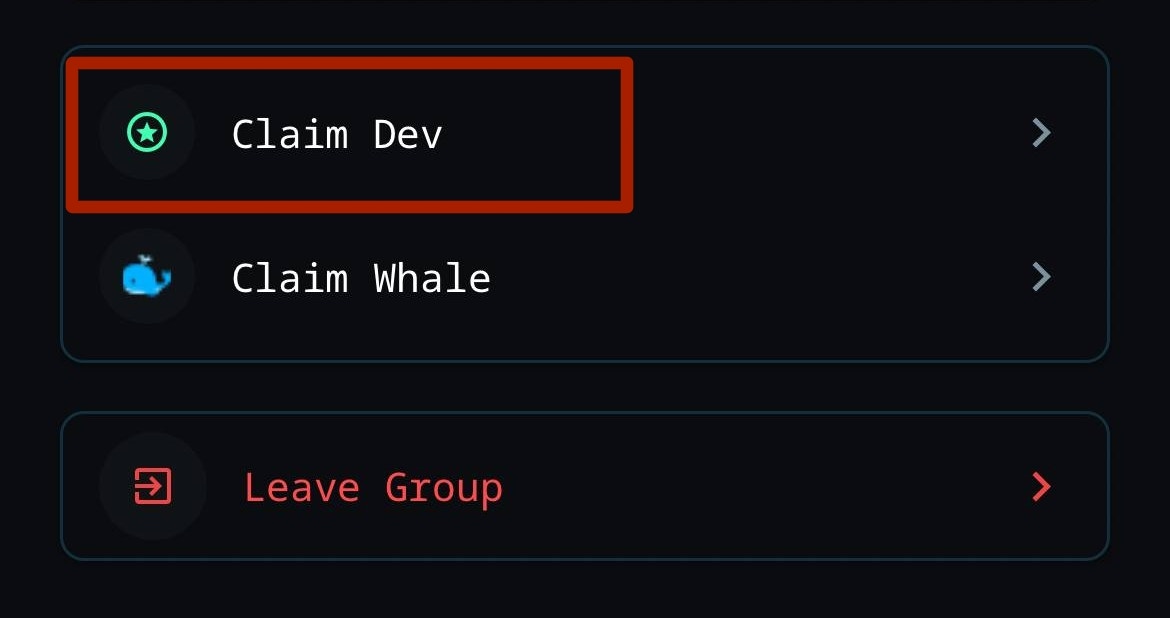
Search and join the chat for your token. Tap the group name at the top of the chat to access the settings. Find the "Claim Dev" button to start the process
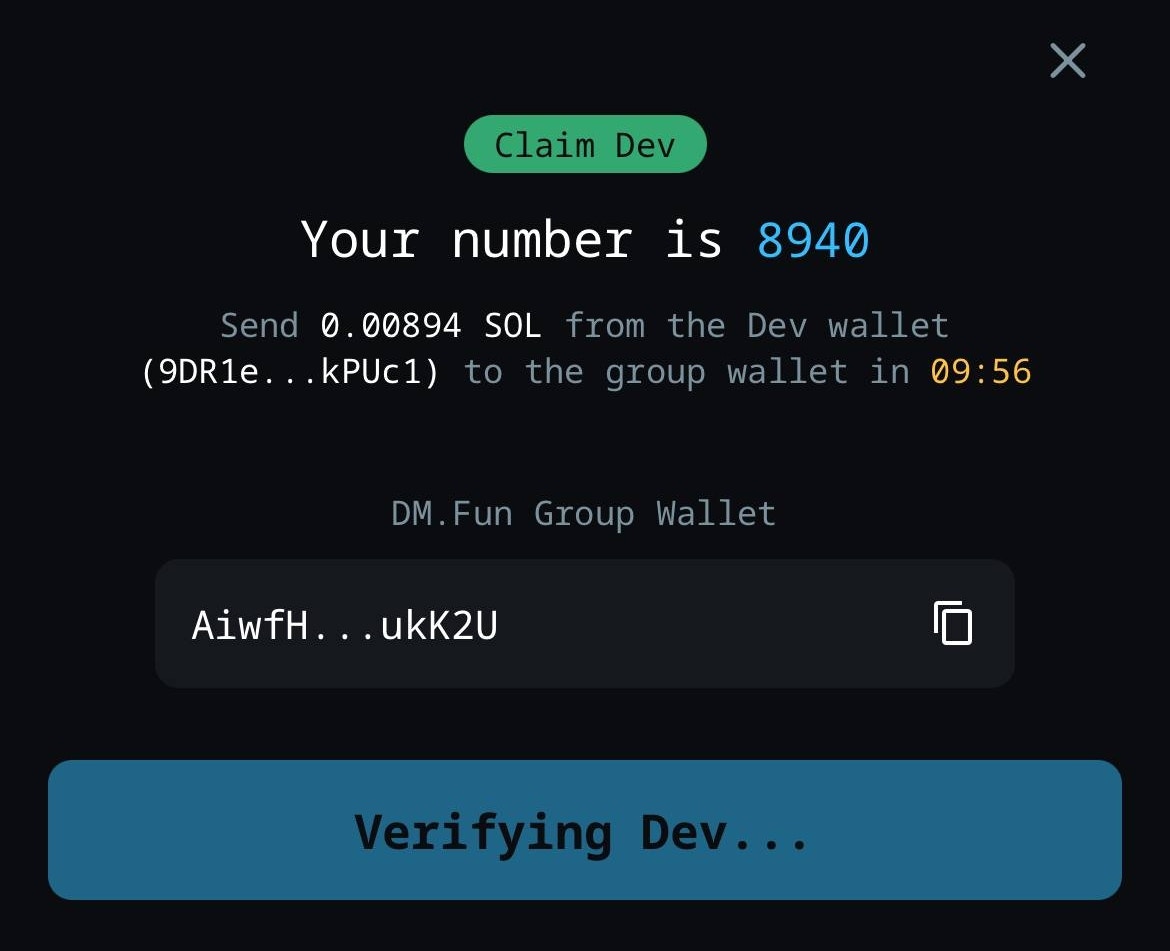
 Send a small specified amount of SOL from the dev wallet to the group wallet.
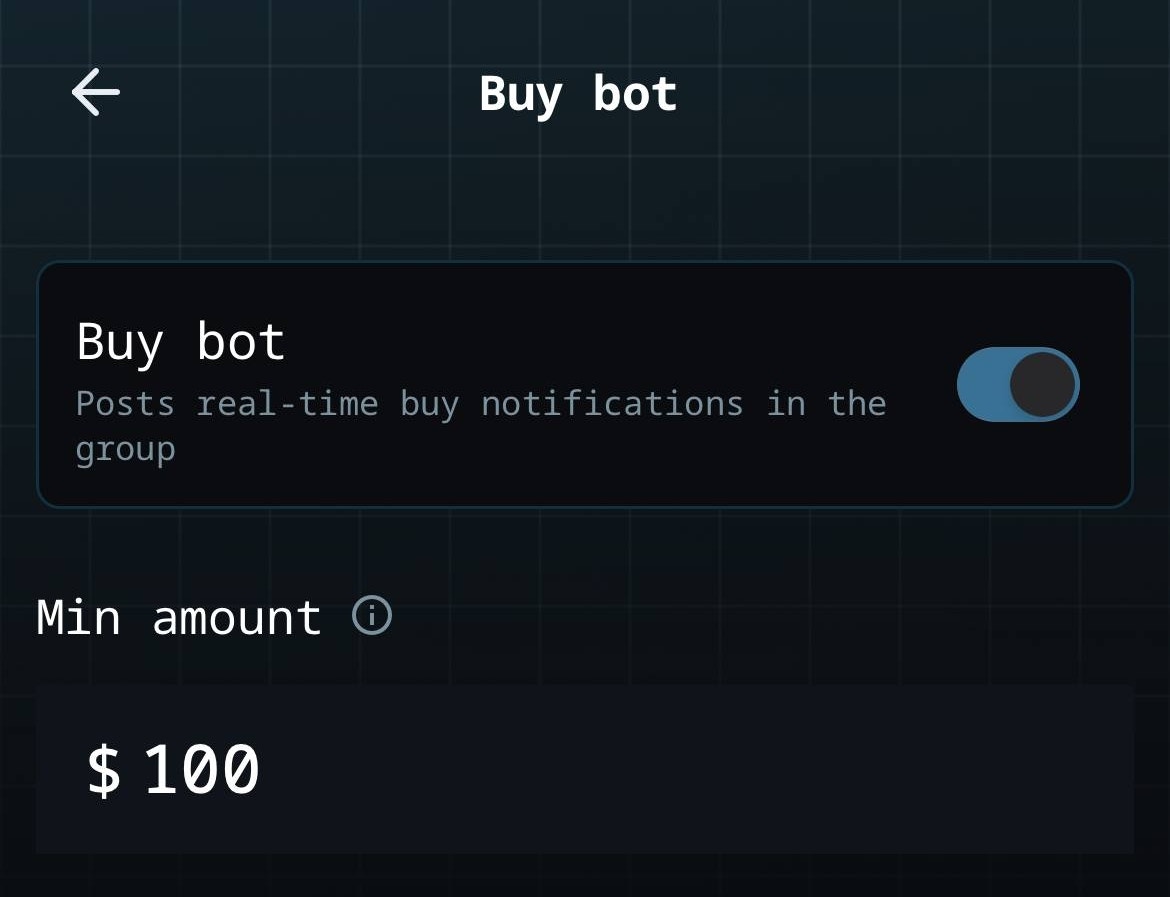
 Claiming dev unlocks dev badge, opens up group moderation, unlocks raiding and buy bot functionalities.
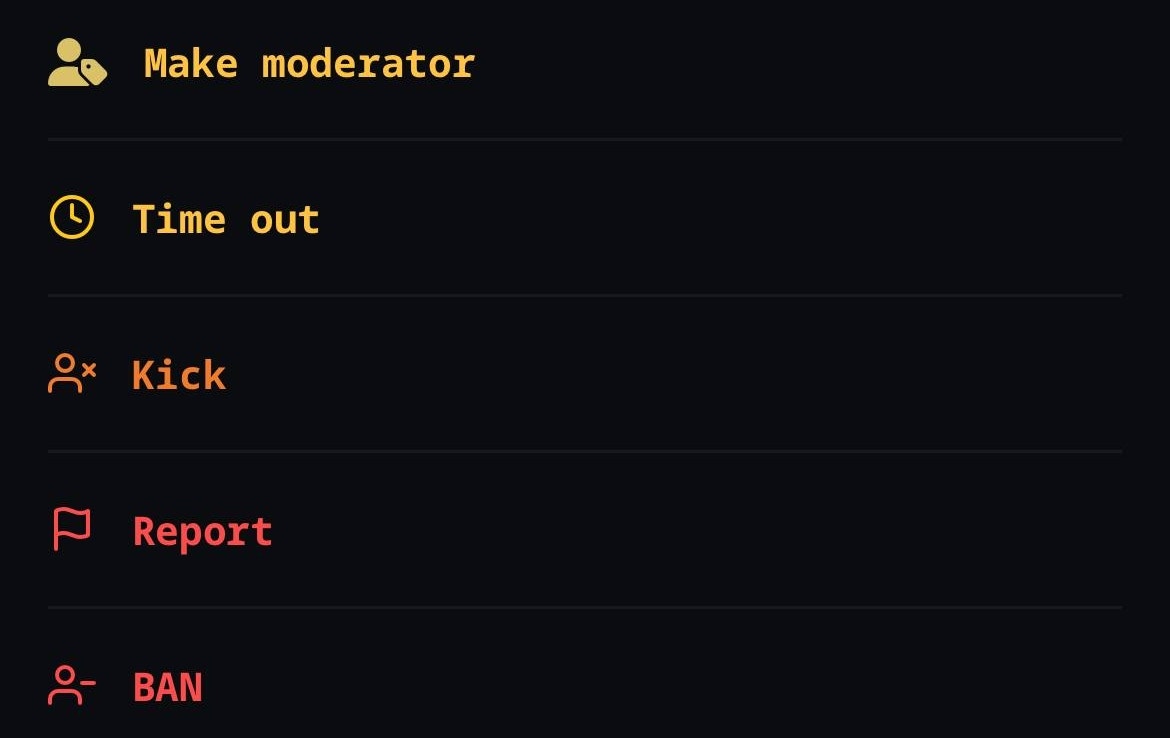
 Verified devs can assign moderators and use tools to keep chats healthy:
* **Timeout**, **Kick**, or **Ban** users as needed.
* Customize the **Buy Bot**: Toggle it on/off or set minimum buy thresholds.
* Enable **Slow Mode**: Limit message frequency, with more options at higher group levels.
Verified devs can assign moderators and use tools to keep chats healthy:
* **Timeout**, **Kick**, or **Ban** users as needed.
* Customize the **Buy Bot**: Toggle it on/off or set minimum buy thresholds.
* Enable **Slow Mode**: Limit message frequency, with more options at higher group levels.
 ###
###