> ## Documentation Index
> Fetch the complete documentation index at: https://docs.dm.fun/llms.txt
> Use this file to discover all available pages before exploring further.
# Signing Up
> Getting started with dm.fun is quick and straightforward. We're currently in beta, so access requires an invite code. If you need one, just DM the team on X. Choose the method that works best for you.
 ### Signing up with Email
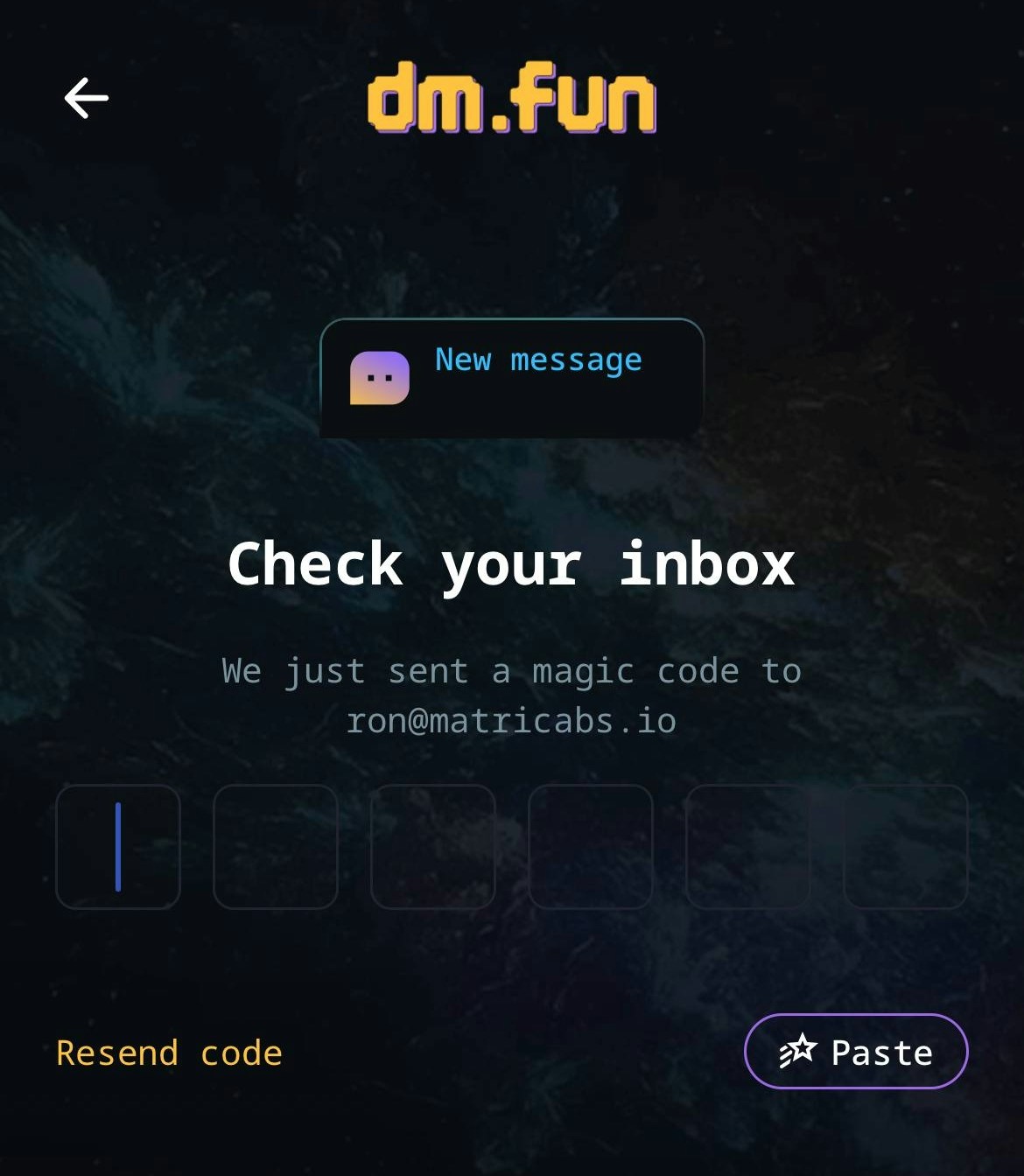
Check your inbox for the 6-digit verification code and enter it.
Complete signup with an invitation code. During beta phase, dm.fun is only available via invite code. Need one? Get in touch with the team on X.
### Signing up with Email
Check your inbox for the 6-digit verification code and enter it.
Complete signup with an invitation code. During beta phase, dm.fun is only available via invite code. Need one? Get in touch with the team on X.
 ### Signing up with X or Apple Profile
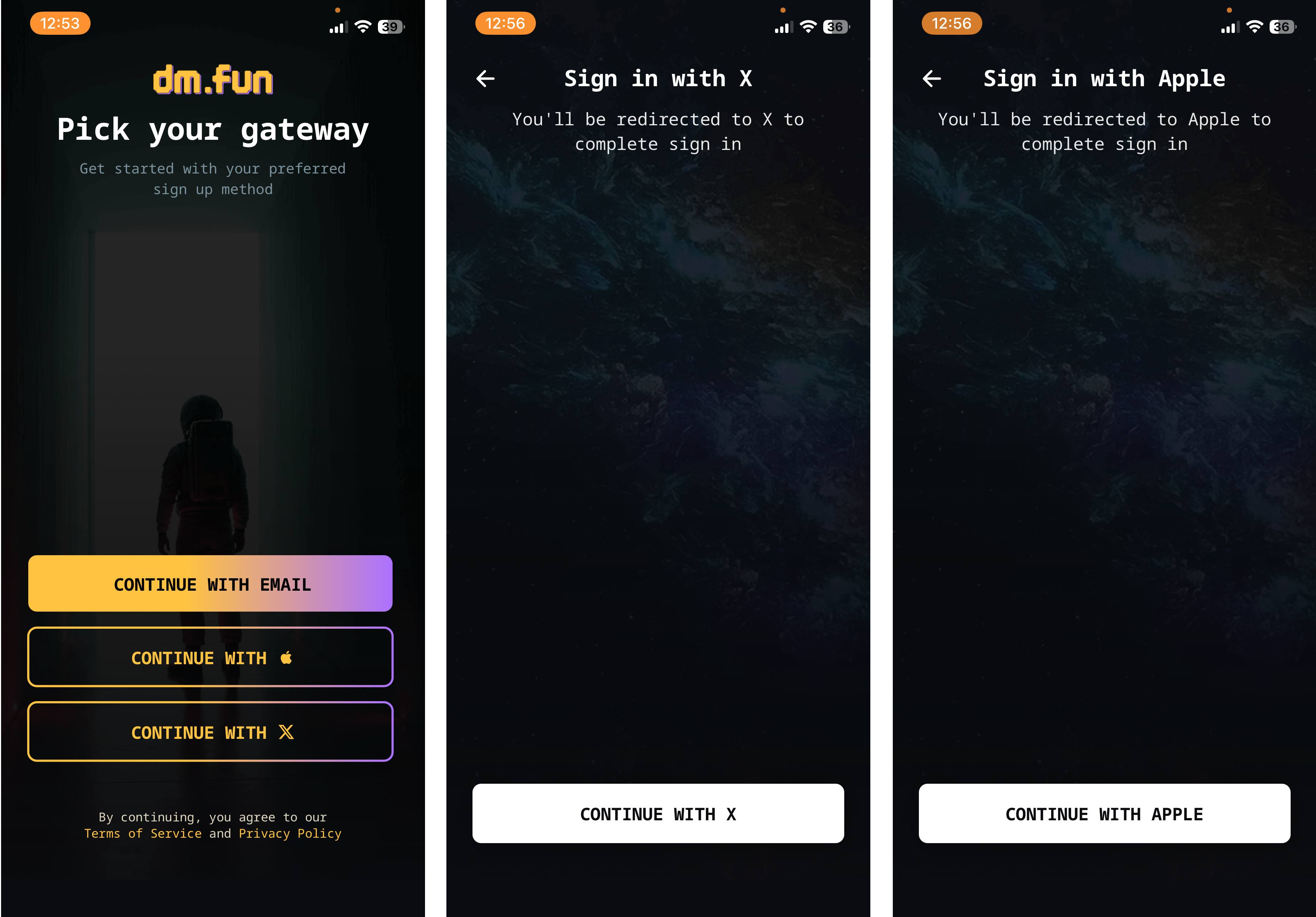
For the quickest option, connect directly with your X or Apple accounts.
Once you're in, you're ready to explore chats and start trading.
###
### Signing up with X or Apple Profile
For the quickest option, connect directly with your X or Apple accounts.
Once you're in, you're ready to explore chats and start trading.
###