> ## Documentation Index
> Fetch the complete documentation index at: https://docs.dm.fun/llms.txt
> Use this file to discover all available pages before exploring further.
# Swapping / Aping In
> Swapping or buying tokens is done right inside the app. Access directly from any chat or your portfolio for fast, in-app trades without leaving dm.fun.
### Swap
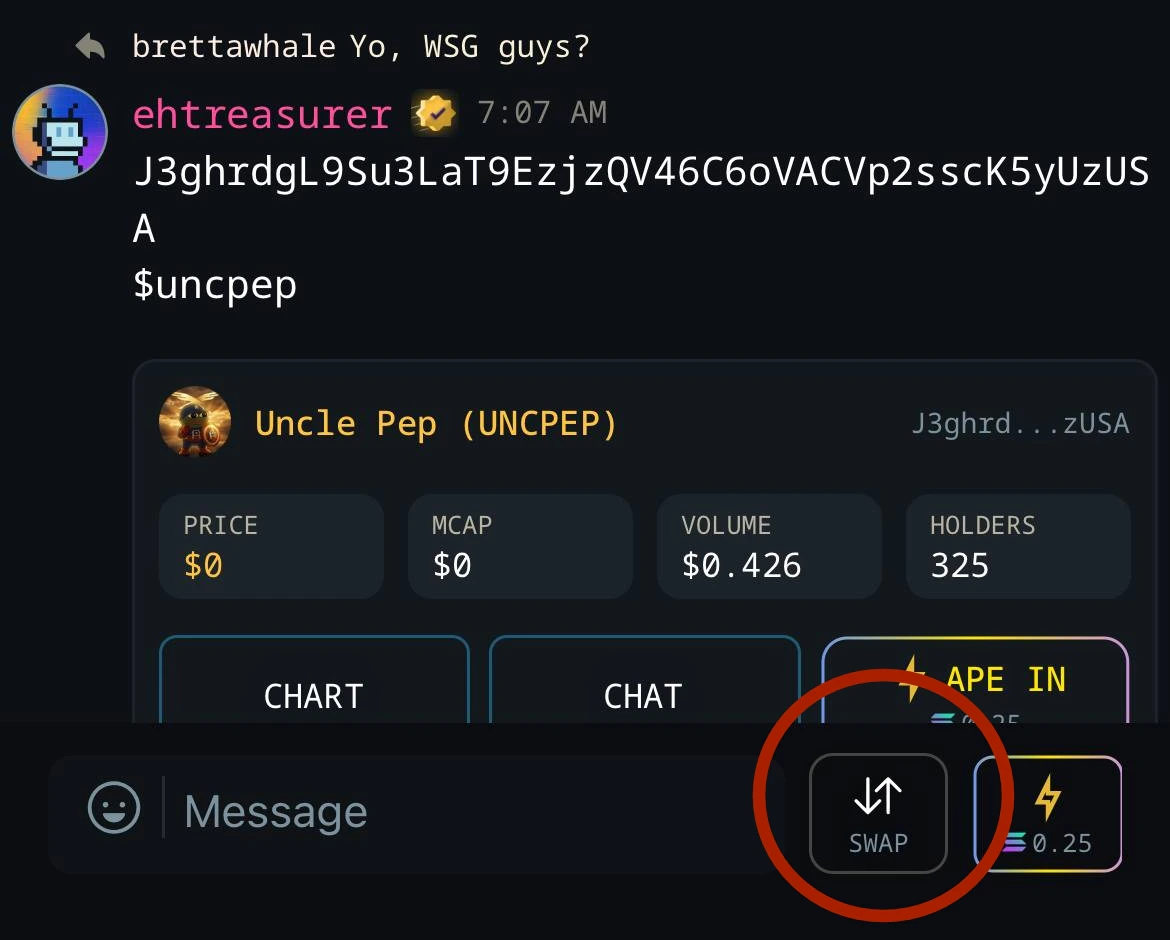
Buying any token is as simple as joining the chat and tapping the swap icon. From there tap SWAP NOW and enter your desired amount
 ### Ape In
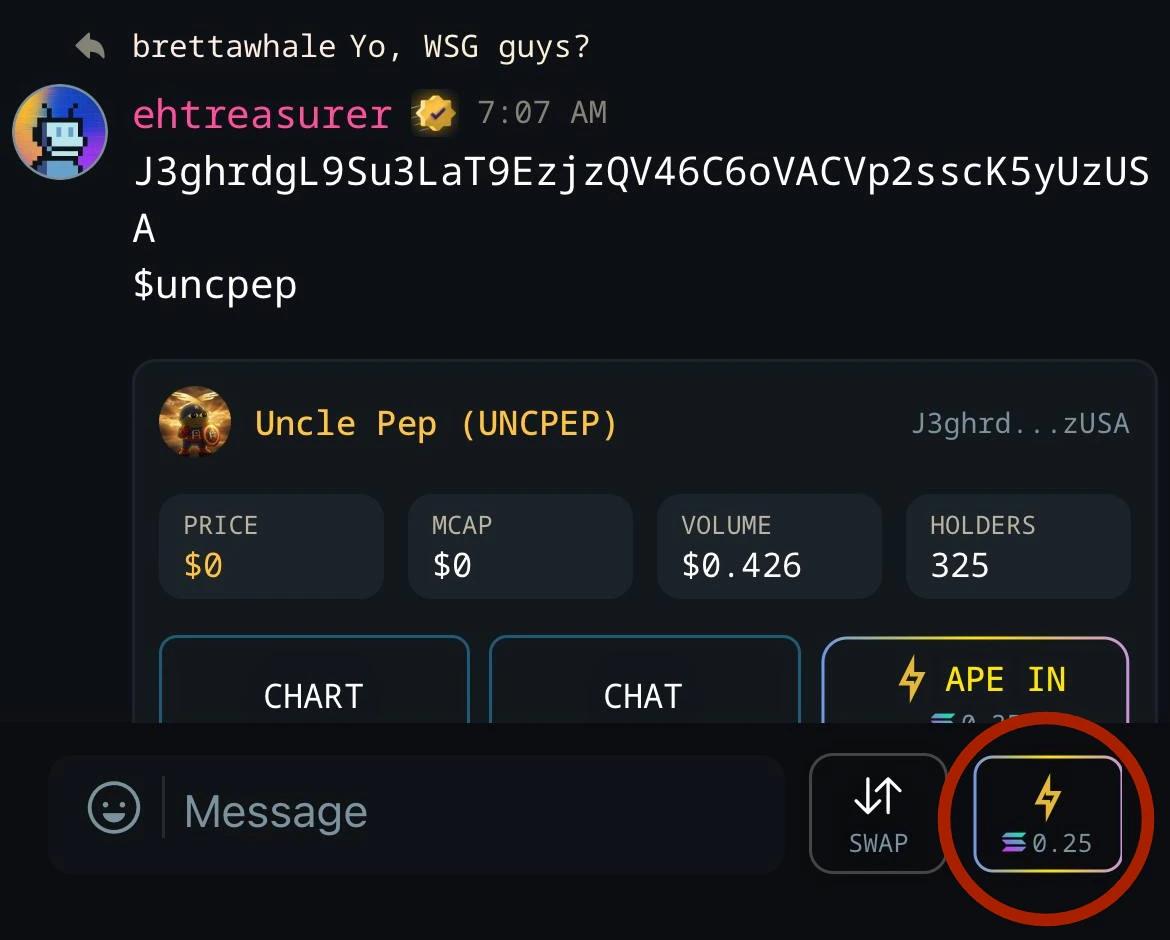
Ape In is the fastest way to buy. Spot something pumping in a chat? Just set your default amount in Profile > Transactions, long tap Ape In, and you're in — one tap, done.
No navigating menus or leaving the conversation. Perfect for when momentum is building and you want to move quick.
### Ape In
Ape In is the fastest way to buy. Spot something pumping in a chat? Just set your default amount in Profile > Transactions, long tap Ape In, and you're in — one tap, done.
No navigating menus or leaving the conversation. Perfect for when momentum is building and you want to move quick.
 ### Slippage and Other Settings
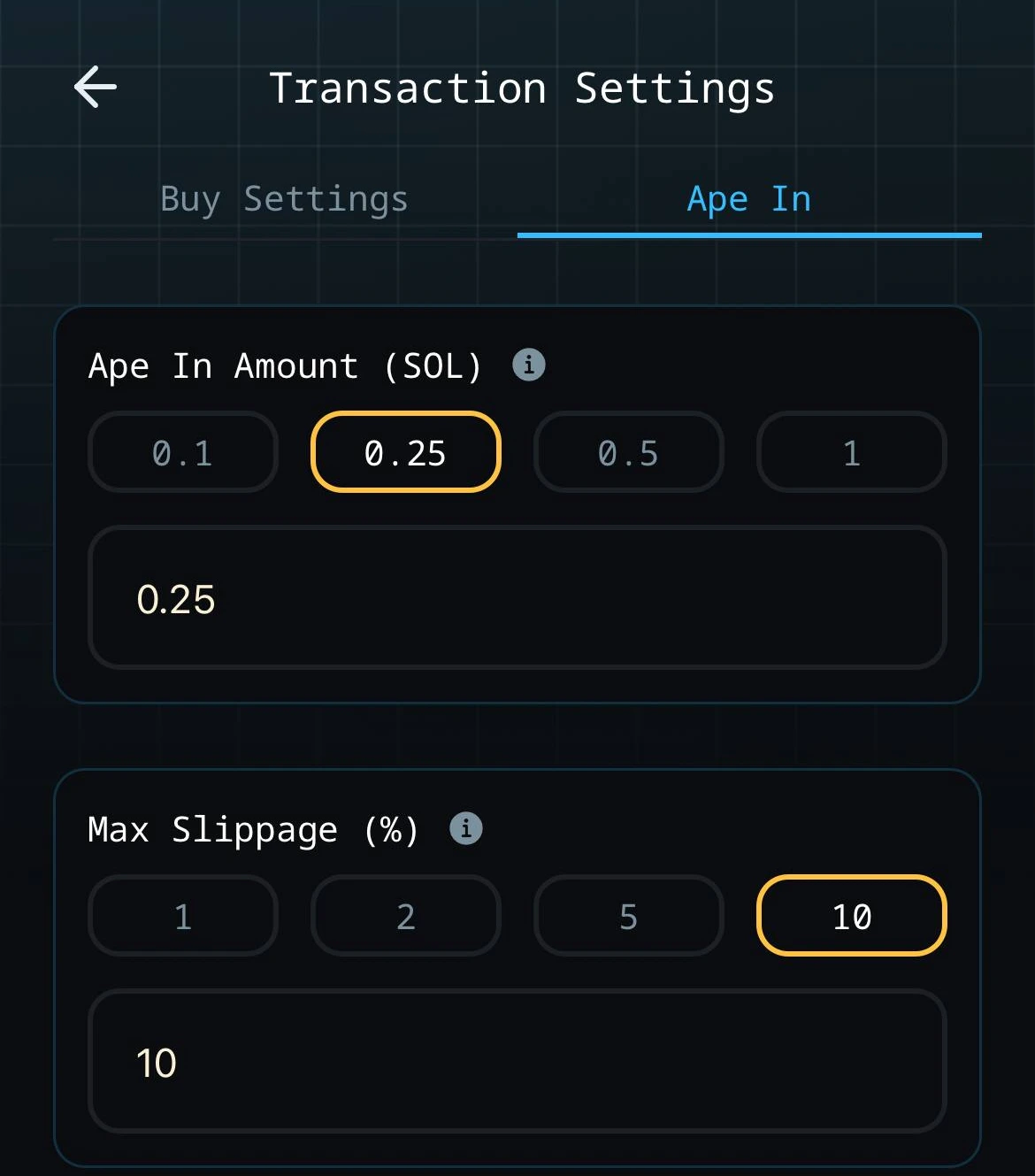
Settings for both Swap and Ape In are found on the **Transaction** page in your profile. From there you can set max slippage for Swap and Ape In. Don't forget to also set your Ape In amount, which is the amount you will buy using the one-tap Ape In button
### Slippage and Other Settings
Settings for both Swap and Ape In are found on the **Transaction** page in your profile. From there you can set max slippage for Swap and Ape In. Don't forget to also set your Ape In amount, which is the amount you will buy using the one-tap Ape In button